Rounded Corners in SmartAlbums: How the New Radius Slider Works
Most album design happens in small steps. You pick the photos, you arrange them, you decide how much space they breathe in. We just added one more tool to help you make your albums unique: ability to make the corners sharp or rounded.
Rounded Corners is in SmartAlbums now. It rounds the corners of any image in your album design, in real time, on any spread.
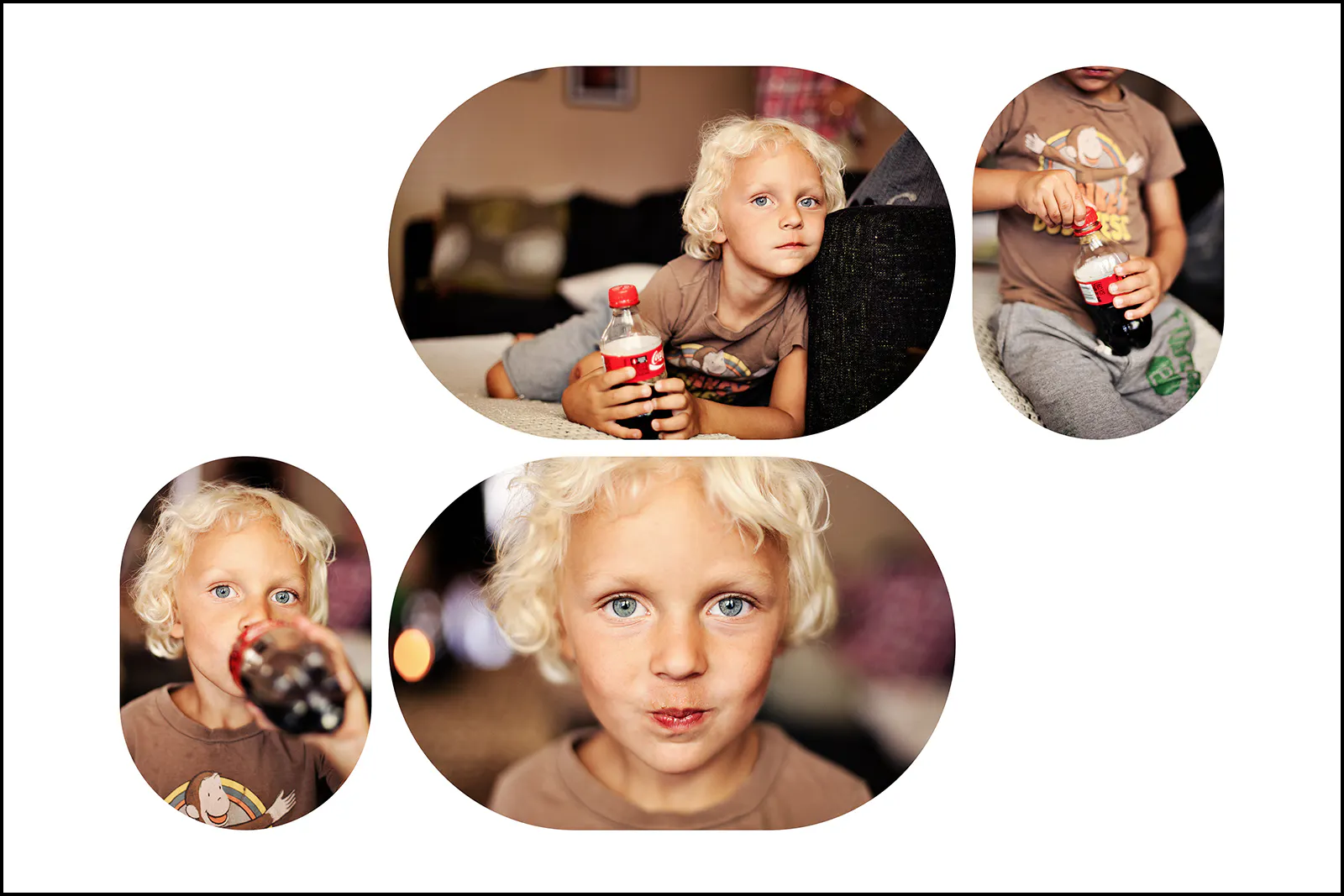
What the Radius slider does
Select an image, drag the slider, watch the corners round.
The degree of rounding scales naturally to your image dimensions, so the result always feels proportional. You don't have to think in pixels.
How far you take it is up to you. A little goes a long way on portraits. Crank it up and you've basically got a soft-cornered shape on the page.
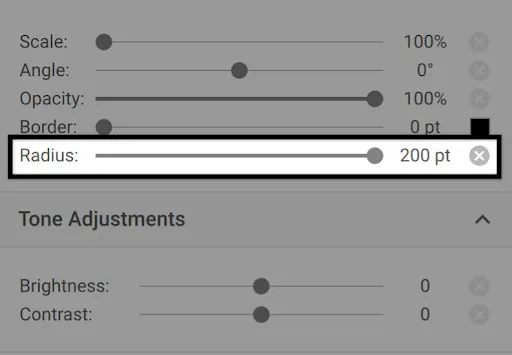
How to round image corners in SmartAlbums
Open any spread. Click an image (or shift-click a few). The Radius slider is in the image panel.
Drag. The corners update live. Both Designer View and Main Spread View work the same way.
Ways to use rounded corners in album design
Honestly, however you want.

A small radius on a couple portraits softens a spread without you having to redesign anything.

For a spread that's built around one big photo, a moderate radius gives that photo a real shape. The picture still does the heavy lifting.
Some photographers will use this on every spread in every album. Others will pull it out once a book. Either way is fine.
Rounded Corners and your existing workflow
You design how you've always designed. The slider's there when you want it. When you're done, Cloud Proofing works the same, your lab gets the same print-ready files, and rounded corners come through clean.
Try Rounded Corners in your next album
Rounded Corners is in the latest version of SmartAlbums, so make sure your application is updated. Open your next project and try it on a spread.
Not on SmartAlbums yet? Start a free trial and design your first album with the new Radius slider.
FAQ
Can I round corners on multiple images at once? Yes. Select more than one image, drag the slider once, and the radius applies to all of them.
Do rounded corners print correctly? Yes. Rounded corners export with the rest of your design, so what you see in SmartAlbums is what shows up in your printed album.
Will my print lab accept files with rounded corners? Yes. Your file goes to the lab the same way it always has. The rounded corners are baked into the design.
Which version of SmartAlbums has Rounded Corners? The latest version. Open SmartAlbums and update if you haven't already.
Does this work in both Designer View and Main Spread View? Yes. The Radius slider is available in both views and behaves the same way.